01A concierge without another app
A resident or guest scans the unit QR code to reach an Arabic or English concierge. Everyday information such as Wi-Fi, parking, amenities and checkout guidance sits alongside service requests. Each request stays connected to the apartment or room instead of arriving anonymously in a shared group. Preserve the conversation when handing the request to a human supervisor.
02One accountable person per job
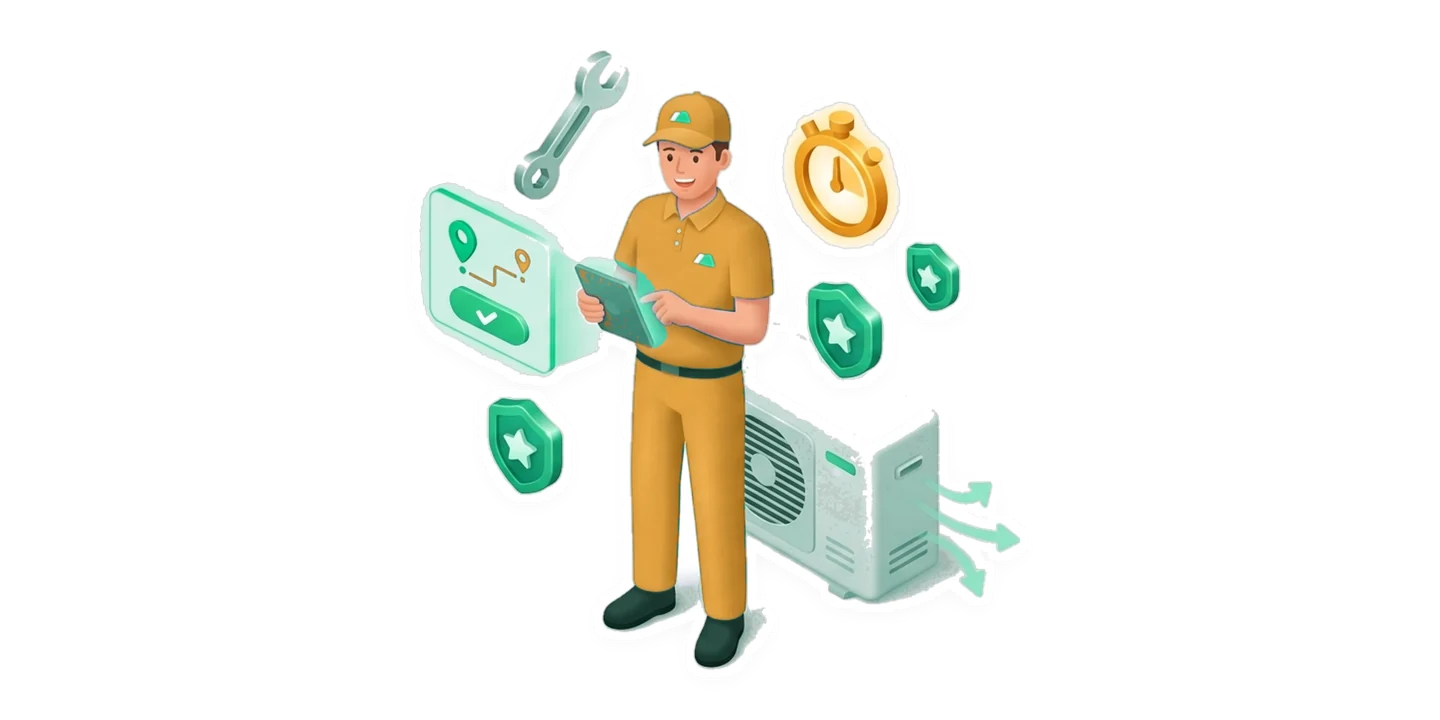
Dispatch considers the technician’s shift, trade and building zone before offering work. An exclusive claim window helps prevent two people travelling to the same repair while another request goes unanswered. Photos, parts and status updates stay attached to the job. A resident or supervisor verifies the result, giving managers a clearer view than a technician simply marking a message done.
03Readiness beyond clean or dirty
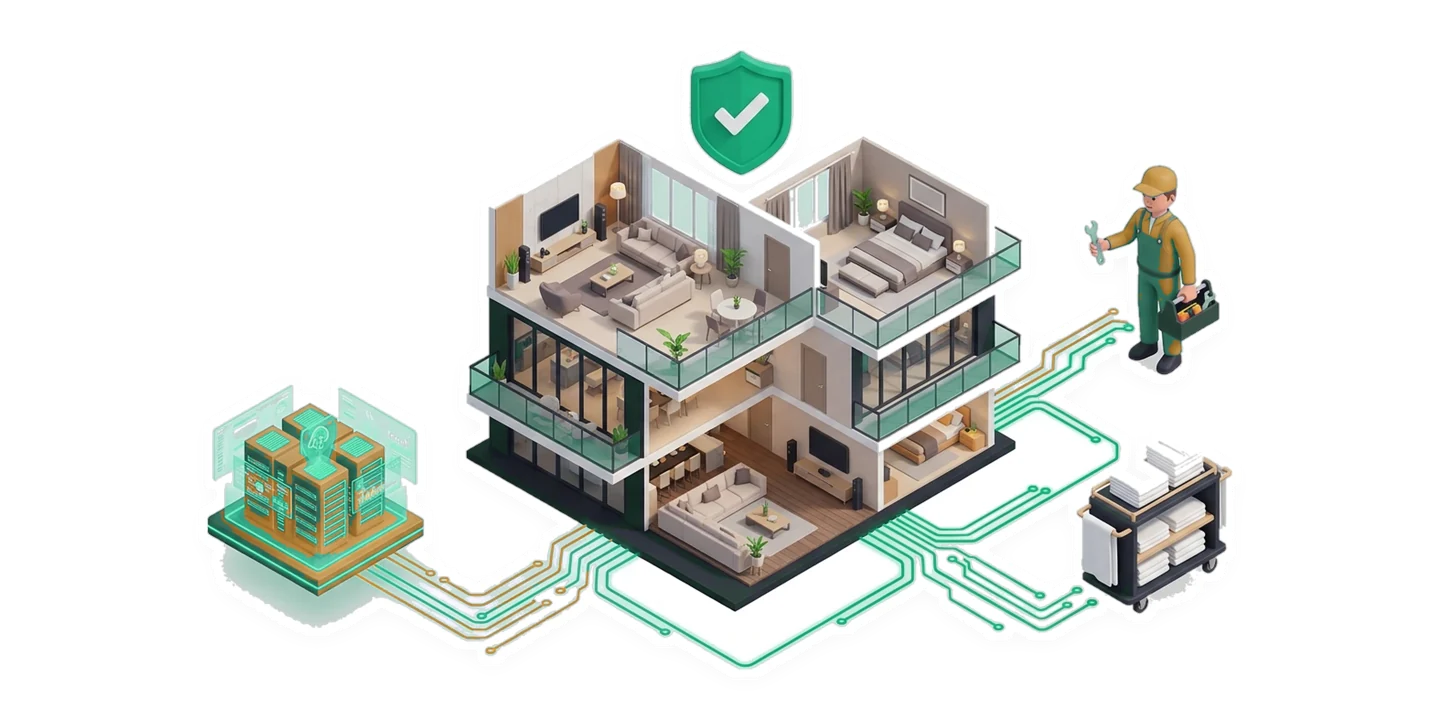
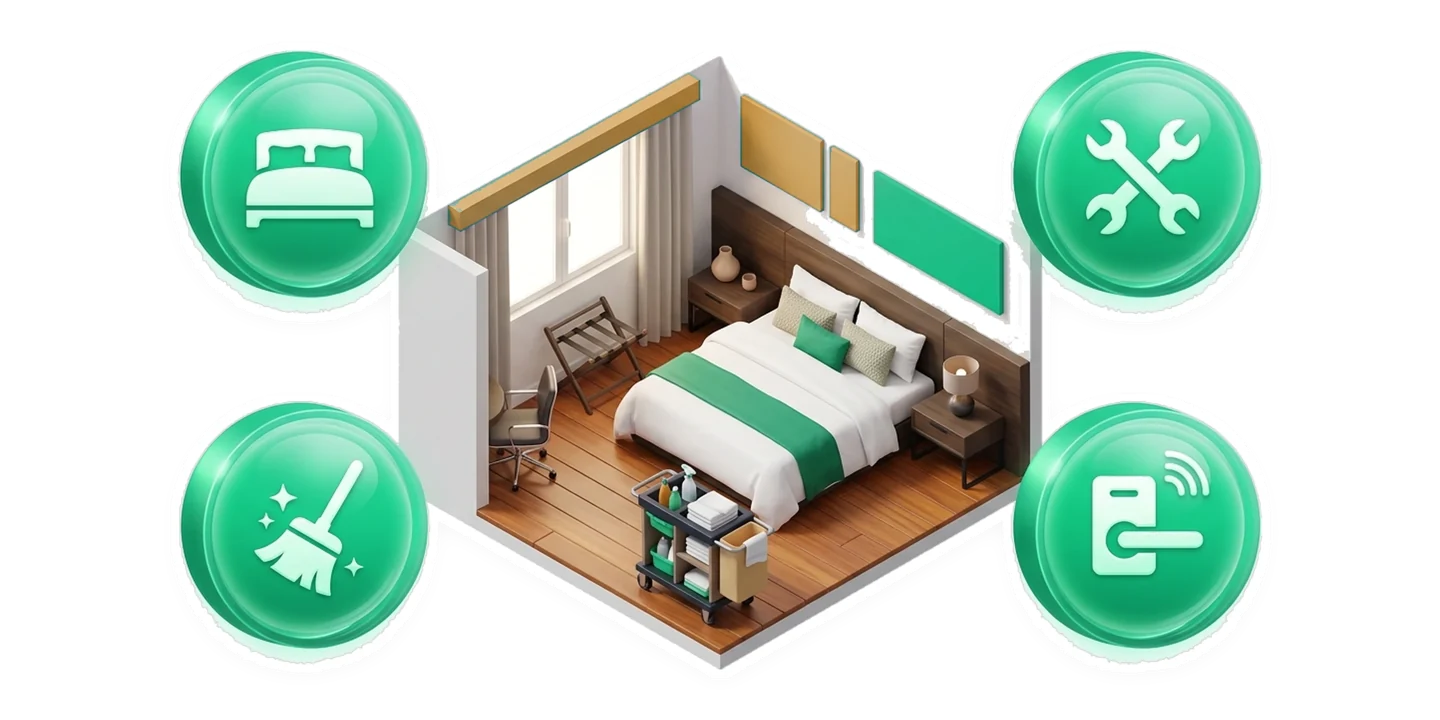
Check occupancy, housekeeping, maintenance and keys or access separately. A cleaned room can still have an open maintenance issue, and a vacant room may still need linen or inspection. Keeping these conditions distinct helps reception understand what is actually ready for arrival. Housekeeping and maintenance teams work against the same picture rather than competing status lists.
04An appliance history for each unit
Record model, serial, installation and warranty information with the unit’s equipment. Check a fault against warranty cover before paying for a repair. Repeat issues, parts and repair evidence build an asset history that remains useful after a staff change. Contractor quotations and owner approvals provide a route for larger work needing a decision beyond the technician on shift.
05Bookings and folios linked to the stay
Nightly holds, availability and stay-extension workflows help reception coordinate arrivals and changes. Guest or tenant folios keep charges, deposits, fees and local tax treatment together. Link a stay to its operational requests so staff see both the guest context and work still open in the room. Country configuration determines the relevant currency and tax settings.
06A useful morning view for owners
See open requests, SLA concerns, turnovers and approvals without reading every conversation. Portfolio reporting helps compare buildings and focus on problems needing intervention. Role-based workspaces give supervisors, technicians and owners different responsibilities. Optional guarded AI and MCP tools support queries and operational assistance alongside the configured access and approval rules.