BytesGlue
UnitVO logoUnitVO

Building, property & hospitality operations

Every unit has a voice. Every request has an owner.

Give residents and guests a simple way to ask for help, and give the operations team a clear way to deliver it. UnitVO connects the unit’s QR concierge, service requests, technician dispatch, appliance history and room readiness so the front desk can follow work from the first message to a verified resolution.

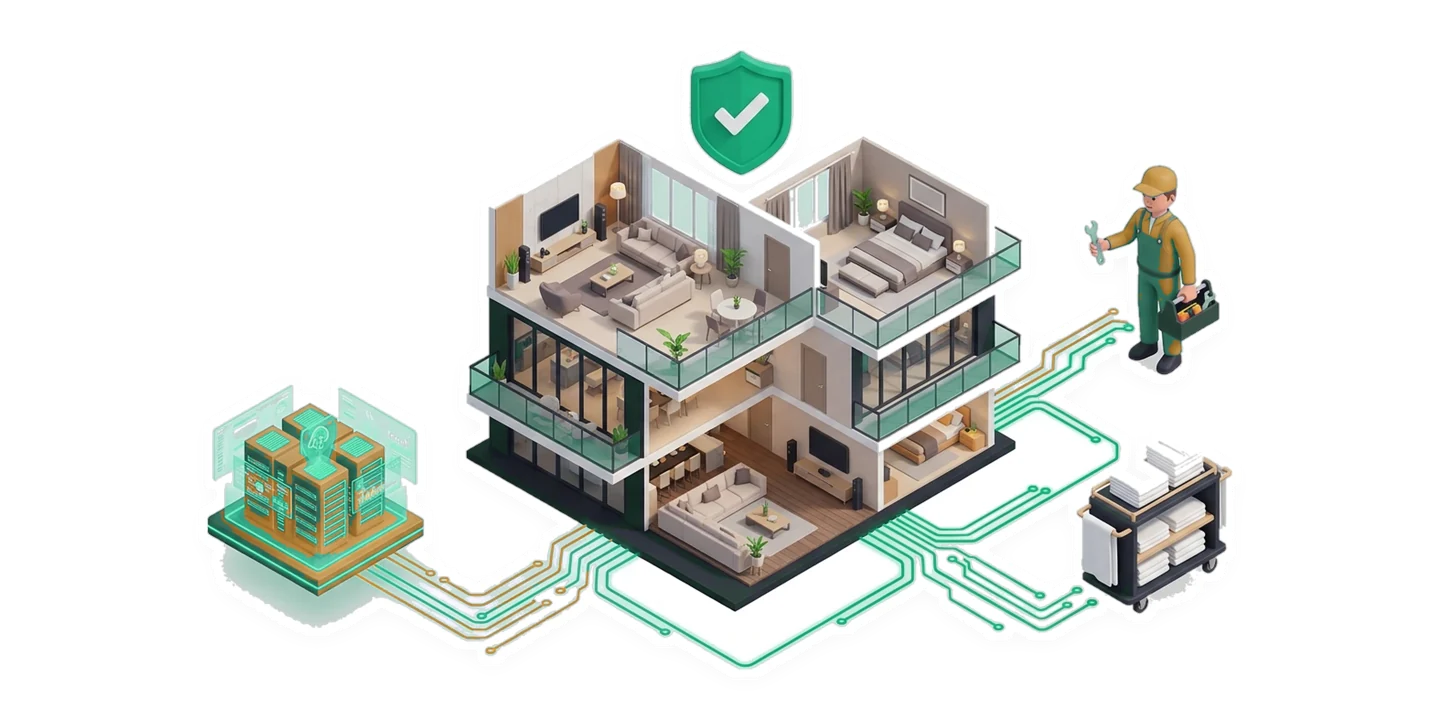
UnitVO official building and hotel operations illustration
From the UnitVO product website
  • Residential towers & compounds
  • Serviced apartments
  • Holiday homes & chalets
  • Boutique hotels & aparthotels

The work it helps you do

Built around the way you operate.

Explore the workflows behind UnitVO, from everyday details to the bigger picture.

01

A concierge without another app

A resident or guest scans the unit QR code to reach an Arabic or English concierge. Everyday information such as Wi-Fi, parking, amenities and checkout guidance sits alongside service requests. Each request stays connected to the apartment or room instead of arriving anonymously in a shared group. Preserve the conversation when handing the request to a human supervisor.

02

One accountable person per job

Dispatch considers the technician’s shift, trade and building zone before offering work. An exclusive claim window helps prevent two people travelling to the same repair while another request goes unanswered. Photos, parts and status updates stay attached to the job. A resident or supervisor verifies the result, giving managers a clearer view than a technician simply marking a message done.

03

Readiness beyond clean or dirty

Check occupancy, housekeeping, maintenance and keys or access separately. A cleaned room can still have an open maintenance issue, and a vacant room may still need linen or inspection. Keeping these conditions distinct helps reception understand what is actually ready for arrival. Housekeeping and maintenance teams work against the same picture rather than competing status lists.

04

An appliance history for each unit

Record model, serial, installation and warranty information with the unit’s equipment. Check a fault against warranty cover before paying for a repair. Repeat issues, parts and repair evidence build an asset history that remains useful after a staff change. Contractor quotations and owner approvals provide a route for larger work needing a decision beyond the technician on shift.

05

Bookings and folios linked to the stay

Nightly holds, availability and stay-extension workflows help reception coordinate arrivals and changes. Guest or tenant folios keep charges, deposits, fees and local tax treatment together. Link a stay to its operational requests so staff see both the guest context and work still open in the room. Country configuration determines the relevant currency and tax settings.

06

A useful morning view for owners

See open requests, SLA concerns, turnovers and approvals without reading every conversation. Portfolio reporting helps compare buildings and focus on problems needing intervention. Role-based workspaces give supervisors, technicians and owners different responsibilities. Optional guarded AI and MCP tools support queries and operational assistance alongside the configured access and approval rules.

See the product

A closer look at UnitVO.

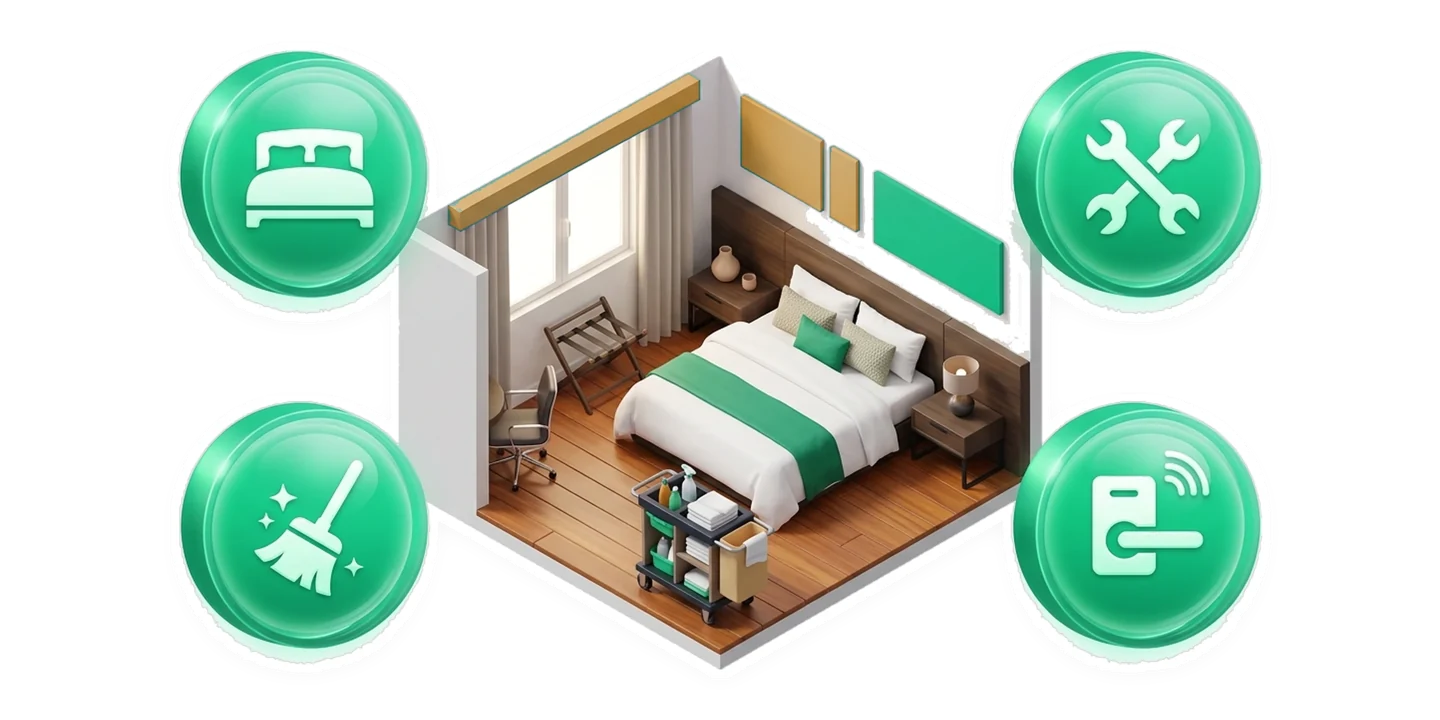
Original product visuals from the official website, showing the workflows and ideas behind the product.

Your next steps

Start with the workflow that matters.

  1. Set up properties and units

    Create buildings, floors, rooms or apartments and the teams responsible for them. Choose the operating mode for a residential property, serviced stay or hotel, and record equipment whose history matters.

  2. Place QR access where it is needed

    Connect each unit’s entry point, add useful guest information and configure entry preferences. Make sure the duty team knows how to take over a conversation and handle urgent requests.

  3. Test a complete request

    Follow intake, dispatch, technician updates and verified closure. Review room-readiness conditions before a handover, then use owner reporting to improve response times and identify recurring faults.

നിങ്ങൾ തുടങ്ങുന്നതിന് മുമ്പ്

A few useful answers.

Need help choosing the right setup?

Talk to the team →
Do residents install an app?

No. A unit QR code opens the concierge in a browser. Access stays practical for a short hotel stay as well as a long-term resident.

Is UnitVO only for hotels?

No. Residential towers, compounds, holiday homes and serviced apartments have their own operating needs. UnitVO connects their request, dispatch and asset workflows while keeping the property mode relevant.

What does readiness include?

Occupancy, housekeeping, maintenance and access. Staff can see which condition prevents readiness instead of treating every problem as a single clean-or-dirty status.

Can it cover several properties?

UnitVO includes portfolio workflows and reporting. Review the current property tiers and country settings on the product website to choose the setup for your operation.

Take the next step

See what UnitVO can do for you.

Explore the product, review its current plans and find the workflow that fits your team.

Customer support ഞങ്ങളോട് സംസാരിക്കൂ