

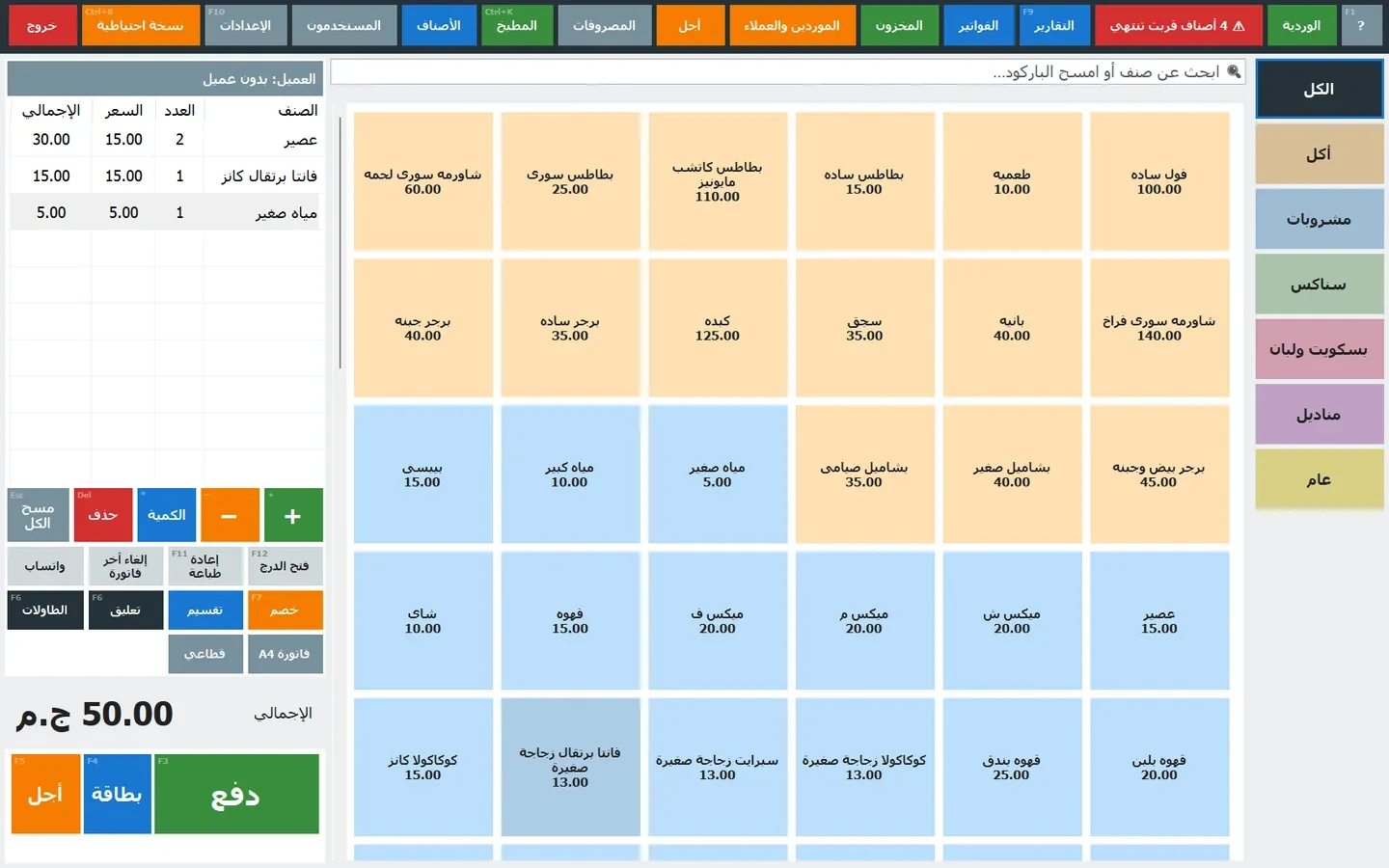
Sell the finished item, track its ingredients
A recipe connects a sellable product to the quantities used to make it. For example, a latte can use 250 ml of milk and 18 g of beans. When recipe stock tracking is configured, the sale deducts those ingredients rather than treating the drink as a purchased unit. Keep ingredient records separate from the visible till catalogue: the ingredient flag hides their normal till tiles while preserving their stock records. Check the edition and enabled features before setting up this workflow.
Sizes, extras and batch yields matter
Recipes can describe a yield: the quantities might make forty portions rather than one. Sizes and modifiers can multiply a recipe or add a particular ingredient. That is useful for a large drink or an extra shot. Start with one product, check its units, then compare the expected deduction with the movement log. Supported conversions include grams and kilograms, millilitres and litres, and packs and pieces when the pack quantity is defined. Do not assume that an arbitrary unit name will be converted.
Prepare stock before service
Use Inventory’s Prepare batch action when the team makes a stocked intermediate product, such as a sauce. The batch consumes the ingredients and increases the prepared item. A recipe can use that prepared stock instead of deducting the same underlying ingredients again at sale time. This distinction matters: preparing a batch and selling a serving are separate movements. The supported nesting depth is limited, so test the intended structure before modelling a complex production process.
Record waste where it happens
Spoilage, dropped items and expired stock are different from sales. Write off the affected quantity with the waste action and a reason. This makes the waste report useful for identifying repeated losses and their cost. A void or return can reverse ingredient movements from a sale; physical waste should still be recorded as waste rather than hidden in an unrelated adjustment.
Use reports to improve the next shift
Ingredient usage shows sales consumption, preparation, waste and receipts. With a stock-take closing the period, compare theoretical usage with the actual variance. Food cost reports connect the recipe cost to selling price and margin. These are operational checks, not a guarantee that every variance is theft or waste: units, opening quantities, supplier costs and recipe accuracy all affect the result.
Try one controlled example
Create two ingredients and one recipe, sell one item, then review the movements and cost. Try a size modifier and a void. Next prepare a small batch and record one waste event. Only after the numbers agree with your manual calculation should you extend the setup to the rest of the menu. In Online, the setup checklist and the new Show me around tour help you find the starting points.
Written by the product team from current product documentation. Features vary by edition, enabled modules and plan.