01Keep the customer story together
An enquiry becomes a CRM deal with an owner and a next step. The customer, quotation and subsequent work remain connected, so sales and operations can understand what was agreed. Inbox and customer-care apps support the conversations around that work. Choose the modules your team needs rather than forcing every employee into a different account with a different view of the same customer.
02Accounts that follow the work
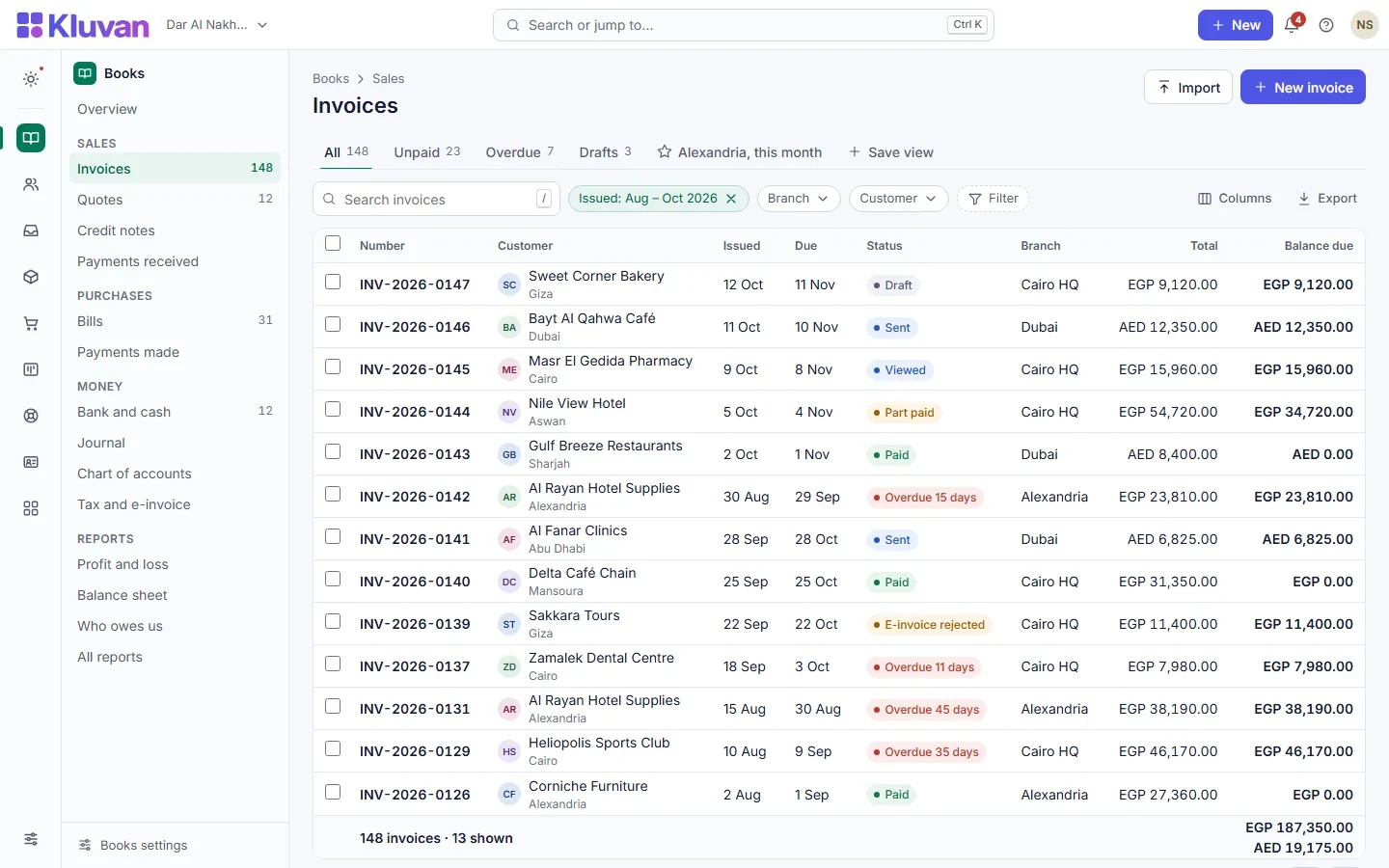
Create quotations, invoices and supplier bills in Books, record collections and reconcile bank activity. Project and service billing can follow milestones, progress or time and materials. Foreign-currency documents and revaluation support businesses working beyond one currency. Country packs shape VAT and local settings; check the current country coverage on Kluvan’s website when configuring your company.
03Projects and jobs with a route to invoicing
Turn an accepted quotation into work your team can plan and deliver. Follow tasks, time, materials and technicians, then invoice the work in Books. Board, list, calendar, timeline and workload views offer different ways to organise a project. Contracts and documents keep the supporting information near the operational record instead of scattered across folders and messages.
04Stock, purchasing and people
Inventory, Procurement, Trade and warehouse tools support distributors and teams moving goods. HR, Payroll, Expenses and employee self-service handle the people side. Choose a service or trade bundle, individual apps or Kluvan One. Some modules are marked coming soon on the product website; the app catalogue makes current availability visible before you select a plan.
05AI that prepares work for review
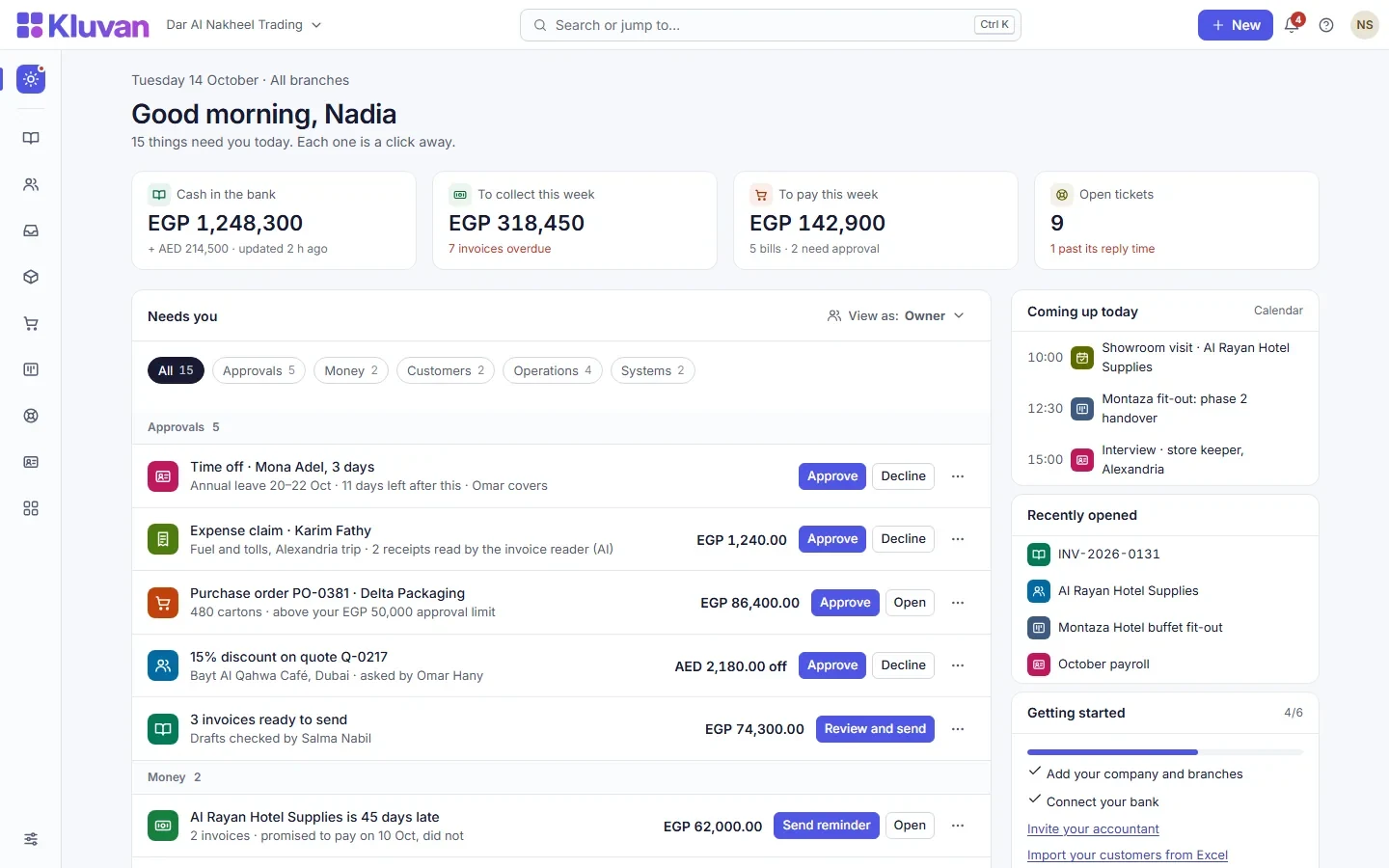
Read supplier bill images and PDFs into accounting drafts, turn meeting notes into suggested tasks and prioritise verified actions in the daily brief. Optional Front Desk assistance follows the customer-service rules you configure. AI stays off until the owner enables it and agrees to provider sharing. Included credits, usage limits and an owner-set spending cap make cost controls explicit.
06Connect your preferred assistant
The remote MCP connection works with supported assistants such as ChatGPT, Claude and Gemini. Scoped, read-only keys let an external assistant analyse permitted business information while respecting access boundaries. Pause or revoke keys when no longer needed. Rights per person, an activity log and exports support operational control, with supported imports for bringing records across from spreadsheets.